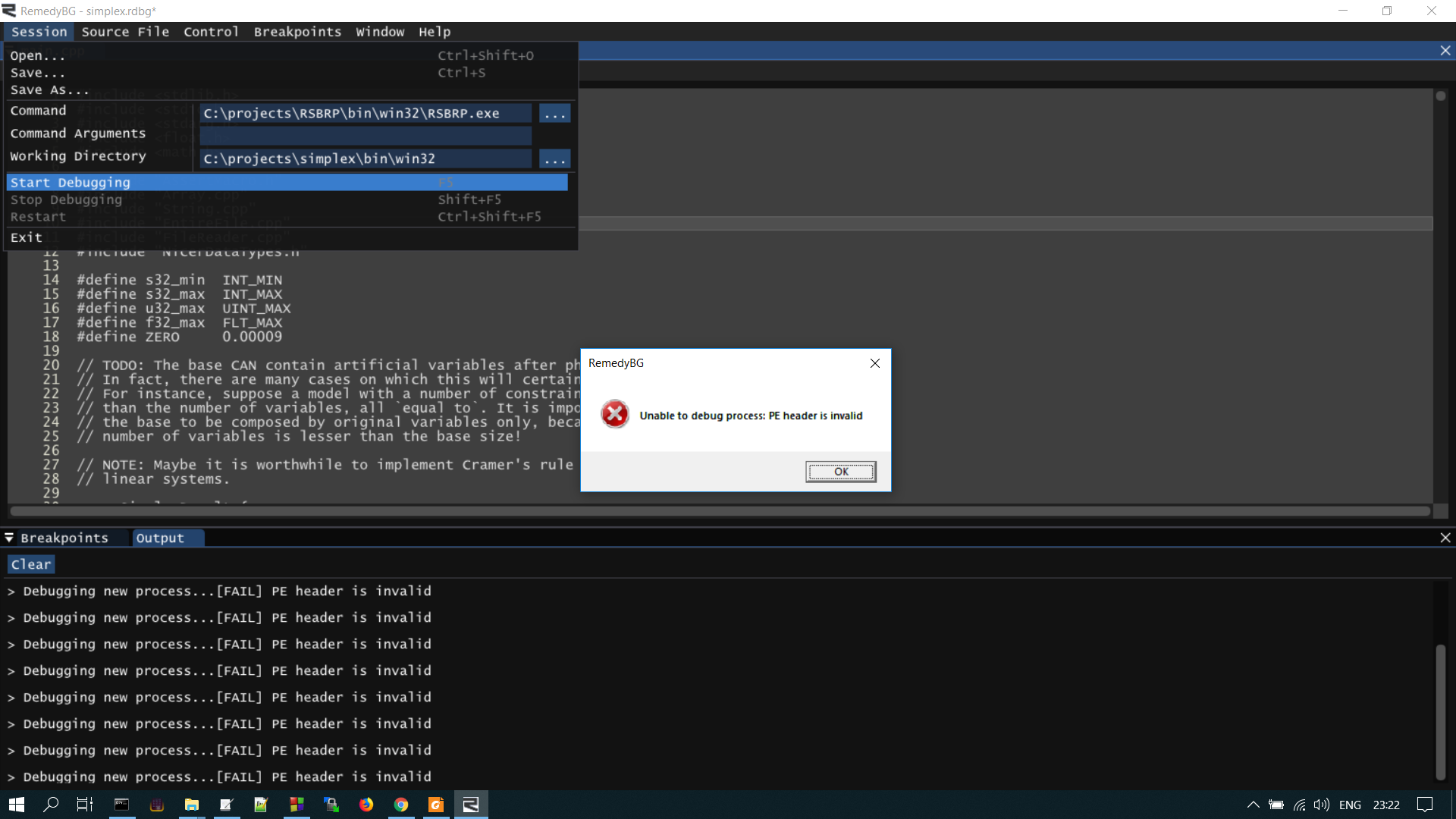
In the realm of digital technology, encountering an error message can be as frustrating as it is perplexing. One such conundrum that often sends shivers down the spines of gamers and software developers alike is when they encounter an error message indicating that the ROM header is invalid. What does this really signify, and what challenges does it pose? Let’s dive deep into this technical dilemma, peeling back the layers to reveal its intricacies.
First, let’s clarify what a ROM header is. A ROM (Read-Only Memory) header is a crucial component of game files or applications, especially in the context of emulators. This header contains metadata about the ROM, including information about the game title, publisher, version, and checksums that validate the integrity of the file. In simpler terms, the ROM header is like the identification card for your digital game; without it, the system may struggle to recognize and run the game appropriately.
So, what does it mean when the ROM header is tagged as invalid? An invalid ROM header typically indicates that the metadata contained within the header does not conform to expected formats or values. This discrepancy can arise from a multitude of issues, presenting an array of challenges for users attempting to load their favorite games or applications. But what causes the header to go awry? Let’s explore some potential culprits.
One common reason for an invalid ROM header is file corruption. This can occur during the ROM extraction process, due to an incomplete download or even from a faulty storage medium. When files get corrupted, they often lose essential data, rendering the header unreadable or incorrect. For gamers, especially those who rely on nostalgic retro titles, this can be a vexing problem that disrupts the entire experience.
Another potential issue might stem from the inappropriate format of the ROM itself. Each game or application has a specific format that must adhere to the established standards that emulators or systems expect. If the ROM has been modified or ripped incorrectly, the header information could be altered, thus invalidating it. This scenario often arises when users attempt to use third-party tools to create backups or custom versions of their games. In their eagerness to manipulate the data, they may inadvertently compromise the header integrity.
Moreover, it’s important to mention that some issues might not originate from the ROM file but rather from its environment—the emulator or device attempting to run it. Different platforms and emulators have varying compatibility requirements. For instance, a ROM that functions perfectly on one emulator might trigger an invalid header error on another that demands stricter adherence to metadata formats. Therefore, it’s essential to ascertain that the chosen emulator is fully compatible with the specific ROM in question.
Beyond technical errors, there’s an intriguing psychological aspect to encountering such an error. For many, the experience conjures memories of earnest attempts to relive cherished gaming moments—only to face the walls of technology. This brings to light a compelling question: how can users navigate through the quagmire of errors like an invalid ROM header and restore their digital delights? Here’s where some tactical approaches come into play.
First and foremost, verifying the integrity of the ROM file should be a priority. Many emulators provide tools or features to check the ROM’s checksum against known valid values. This step may illuminate whether the file has been tampered with or corrupted. If any discrepancies are found, the user may need to search for an alternative source for the ROM—a proactive yet often challenging task in the realm of retro gaming.
Engaging with the broader community can also yield fruitful results. Forums dedicated to emulation or specific titles can be treasure troves of information. Other users may have encountered similar difficulties and can offer insights or solutions that are beneficial. These communal exchanges not only provide an avenue for troubleshooting but also foster a sense of camaraderie among gaming enthusiasts facing similar hurdles.
Additionally, understanding the intricacies of the emulator itself can provide significant advantages. Many software options feature extensive documentation or user guides, detailing settings and compatibility issues. By familiarizing oneself with these resources, users can optimize their emulator settings to better handle various ROM formats, potentially circumventing invalid header issues altogether.
In some instances, users may consider utilizing tools specifically designed to repair or restore ROM headers. While caution is warranted—since utilizing unreliable tools can exacerbate the issue—some applications are designed to rectify common header errors through automated processes, potentially salvaging what once seemed lost.
In conclusion, grappling with an invalid ROM header is undeniably a multifaceted challenge that merges the technical with the nostalgic. While this particular error poses its own set of frustrations, understanding its origins and exploring effective resolutions can demystify the issue. With the right knowledge, resources, and community support, encumbrances like an invalid ROM header can transition from a daunting obstacle to just another chapter in the ever-evolving saga of digital gaming. What’s your strategy when faced with such tech conundrums? Every challenge offers a lesson—embrace it!